



Even G2. Real-time copilot to help close every deal.
Smart glasses for sales professionals.
Even G2 brings real-time sales support into everyday camera-free smart glasses. Its private display keeps key talking points and sales guidance in sight, so you can stay focused on moving the deal forward.

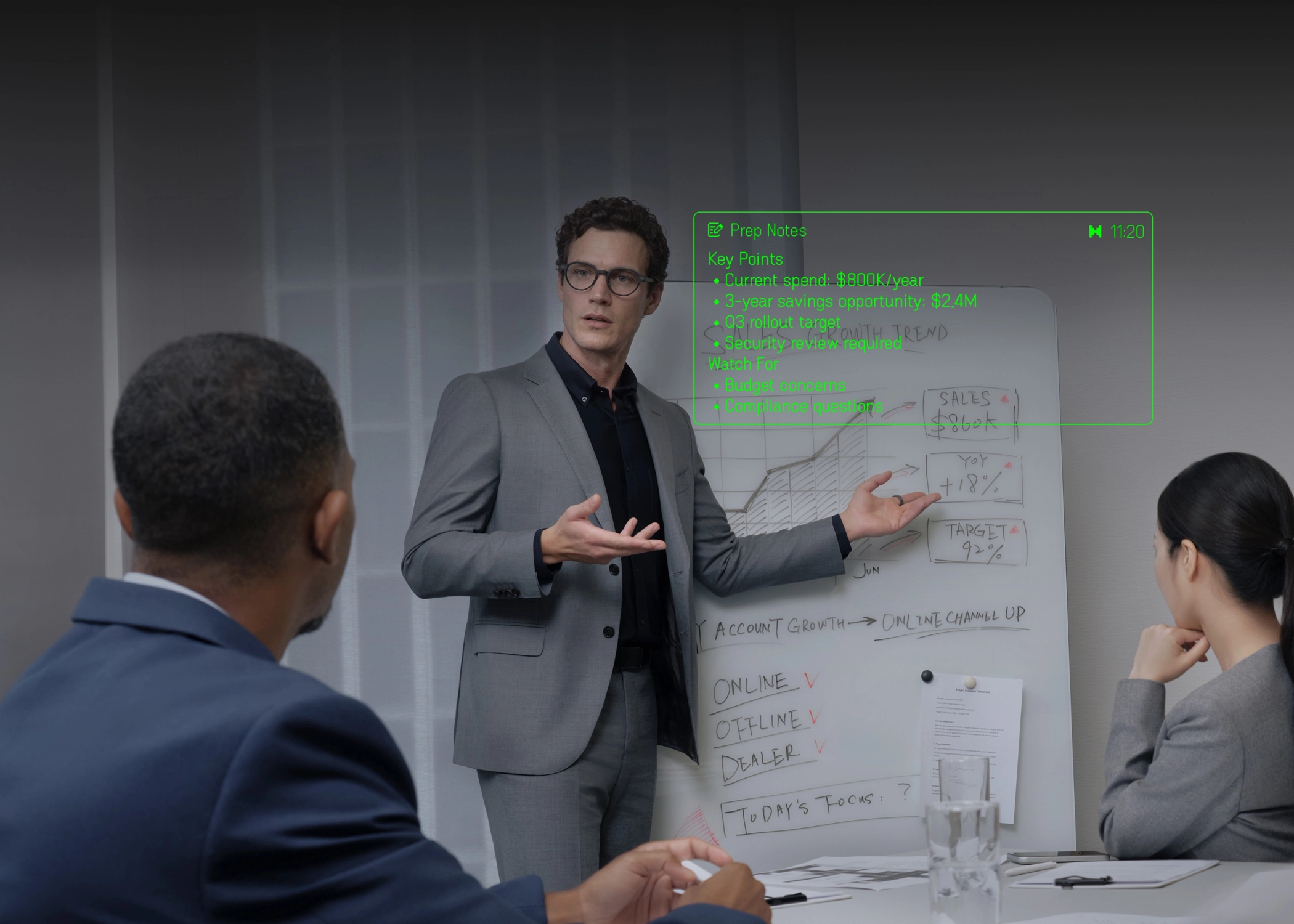

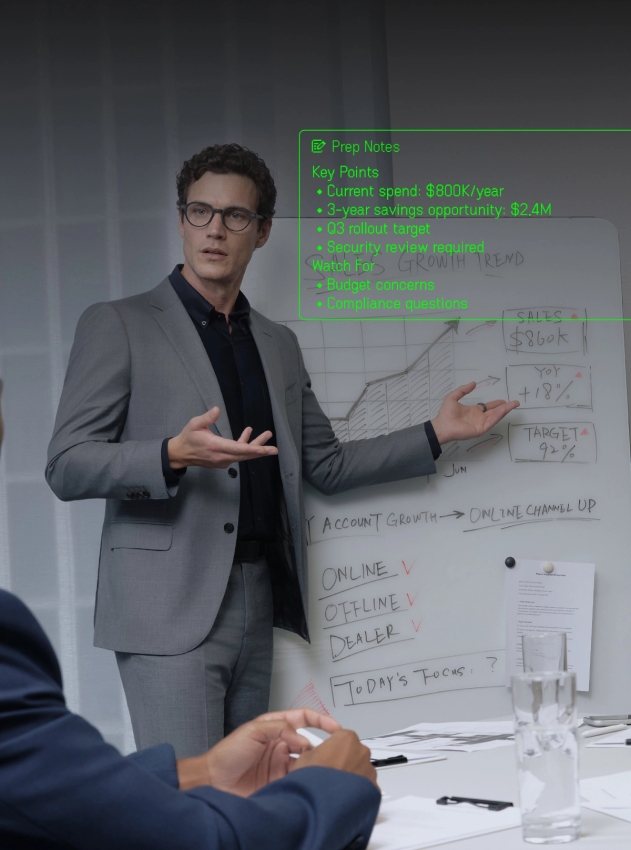
Make the perfect pitch. Present worry-free.
Your private sales cheat sheet keeps pitch notes and client context in sight without breaking eye contact.

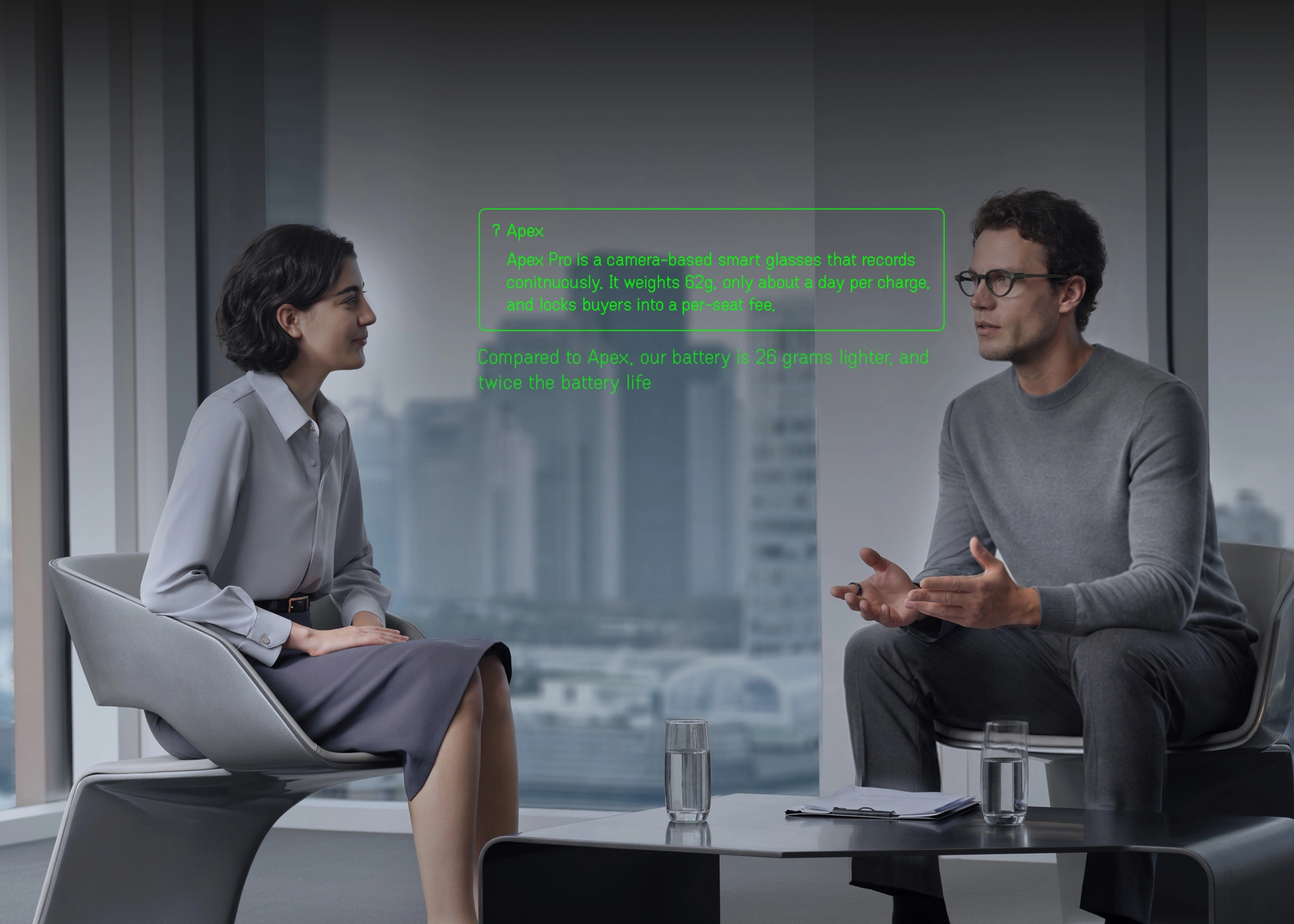

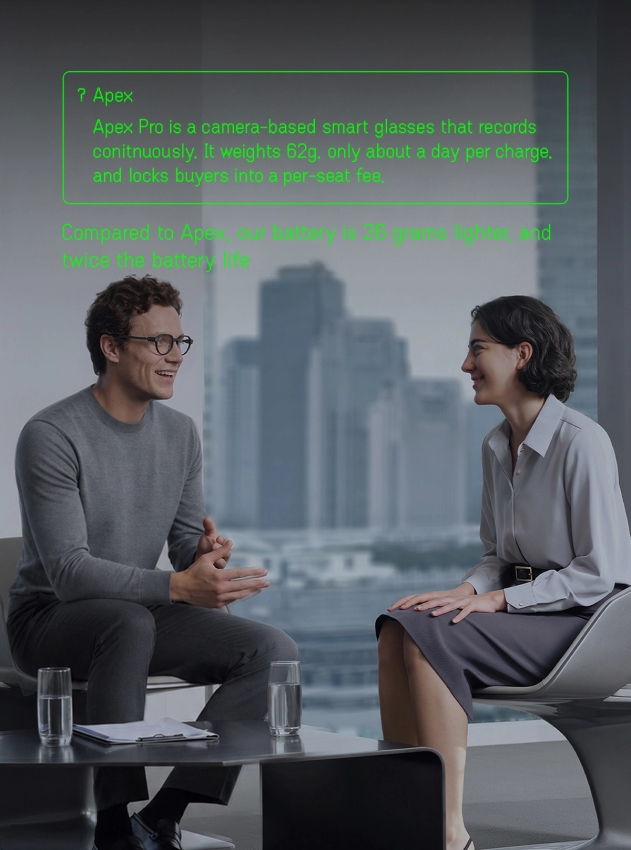
Ready for any question. Confident in every answer.
Get real-time sales guidance in your glasses for tough questions, objections, and unexpected turns.

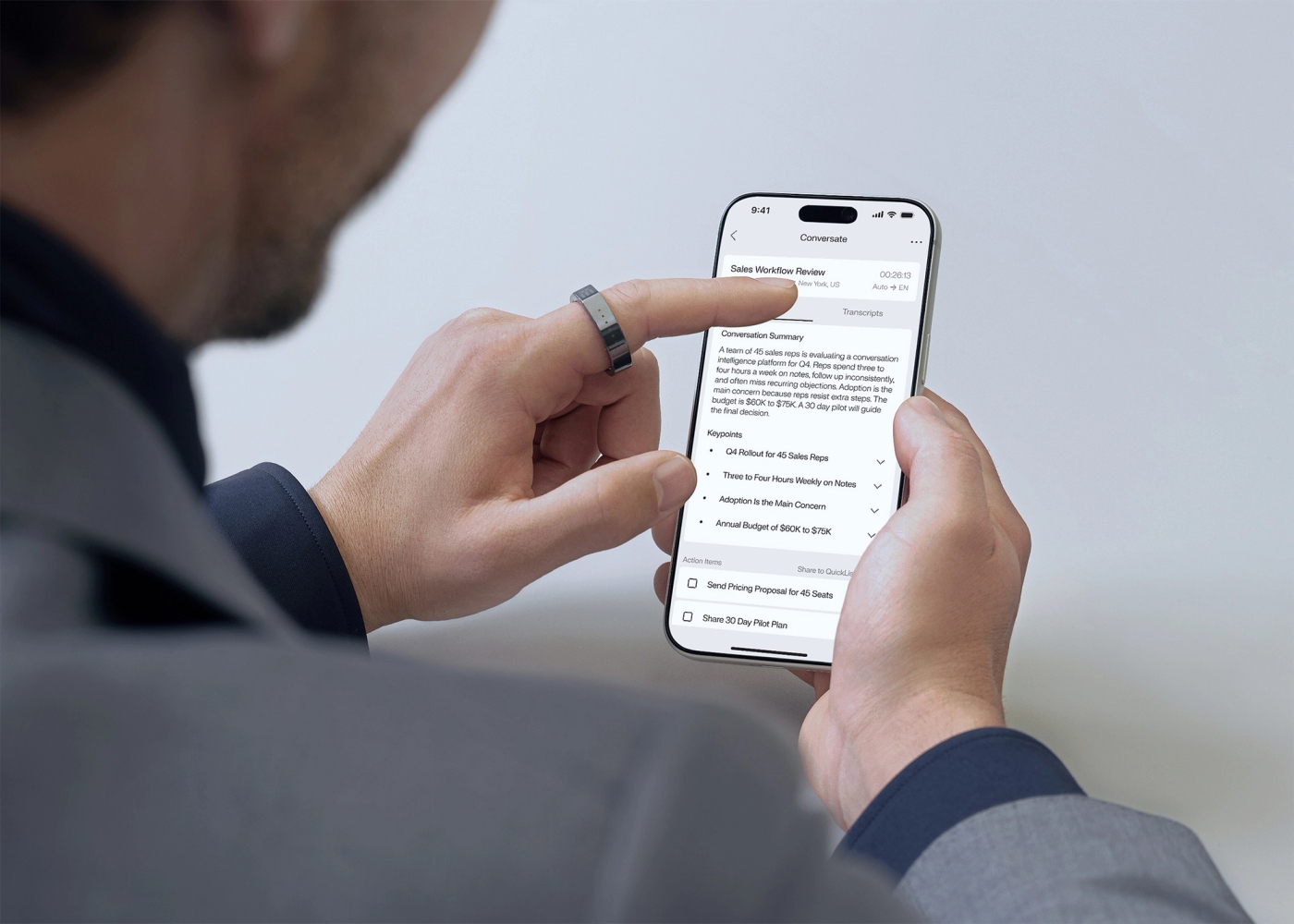

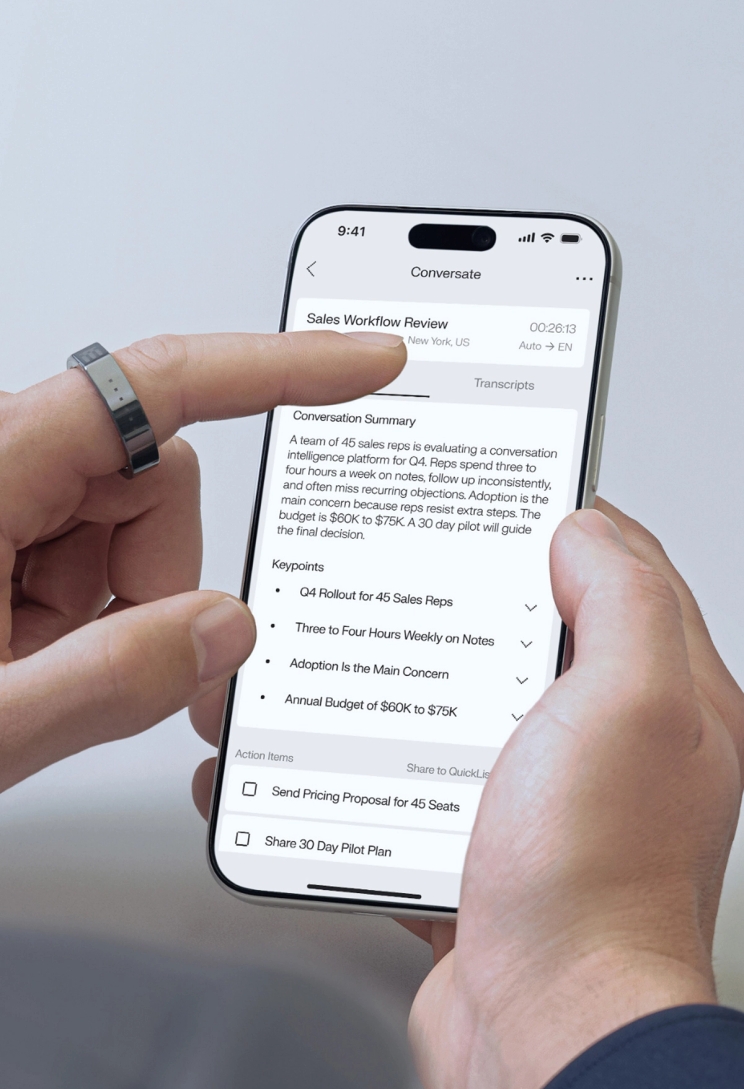
After the meeting. Every next step captured.
Turn conversations into transcripts, summaries, signals, and action items for faster follow-up.




No language barrier. No lost opportunity.
Read real-time translations in your glasses across 35+ languages, from trade shows to global meetings.
Trusted by top sales performers.

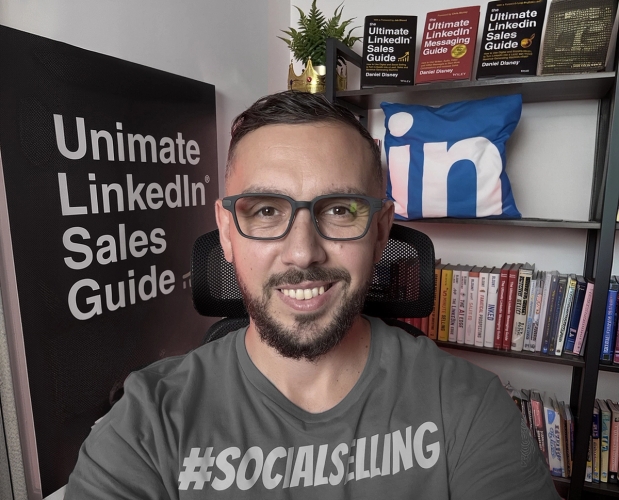


Daniel Disney
Founder, The Daily Sales LinkedIn & Social Selling Expert 4× Best-Selling Author "I wear Even G2 every day. Being camera-free matters in sales, where trust is everything. Its built-in AI sales support is genuinely useful. It’s easy to see how it could help salespeople have better conversations and win more deals."




Morgan Ingram
Founder & CEO, AMP Social Sales Trainer & Keynote Speaker 4× LinkedIn Top Sales Voice "I have helped B2B sales teams build $90 million in pipeline in the last six months. What Even G2 does is give me instant research on the account right in front of me. I can connect the dots faster and walk into enterprise-level conversations already prepared."




Sam Jacobs
Founder & CEO, Pavilion B2B Sales & GTM Leader Wall Street Journal Best-Selling Author "There’s no shortage of sales AI, but most tools sit behind a screen and can’t help in the moment. Even G2 brings AI into the moment, turning it into a real-time copilot that’s there exactly when you need it."




Sara Uy
Founder, SellingSara Sales Trainer & Cold Calling Expert Forbes 30 Under 30 "Even G2 is like a private sales cheat sheet for cold calls. I can see product details and objection responses without looking away, so I stay prepared without sounding scripted."




Kevin Dorsey
Founder, Sales Leadership Accelerator Sales Leadership Expert Keynote Speaker & Author "Most sales training is a waste of money because it happens too far from the live call. Even G2 changes that. My playbook isn't in a deck anymore. It's in the conversation itself."




Anthony Natoli
Senior Account Executive, LinkedIn B2B Sales Professional Sales Content Creator "As an AE, Even G2 feels like having a second brain in my line of sight. When an unexpected question comes up, it gives me the right information to adapt my pitch and keep the deal moving. That’s a real closing advantage."

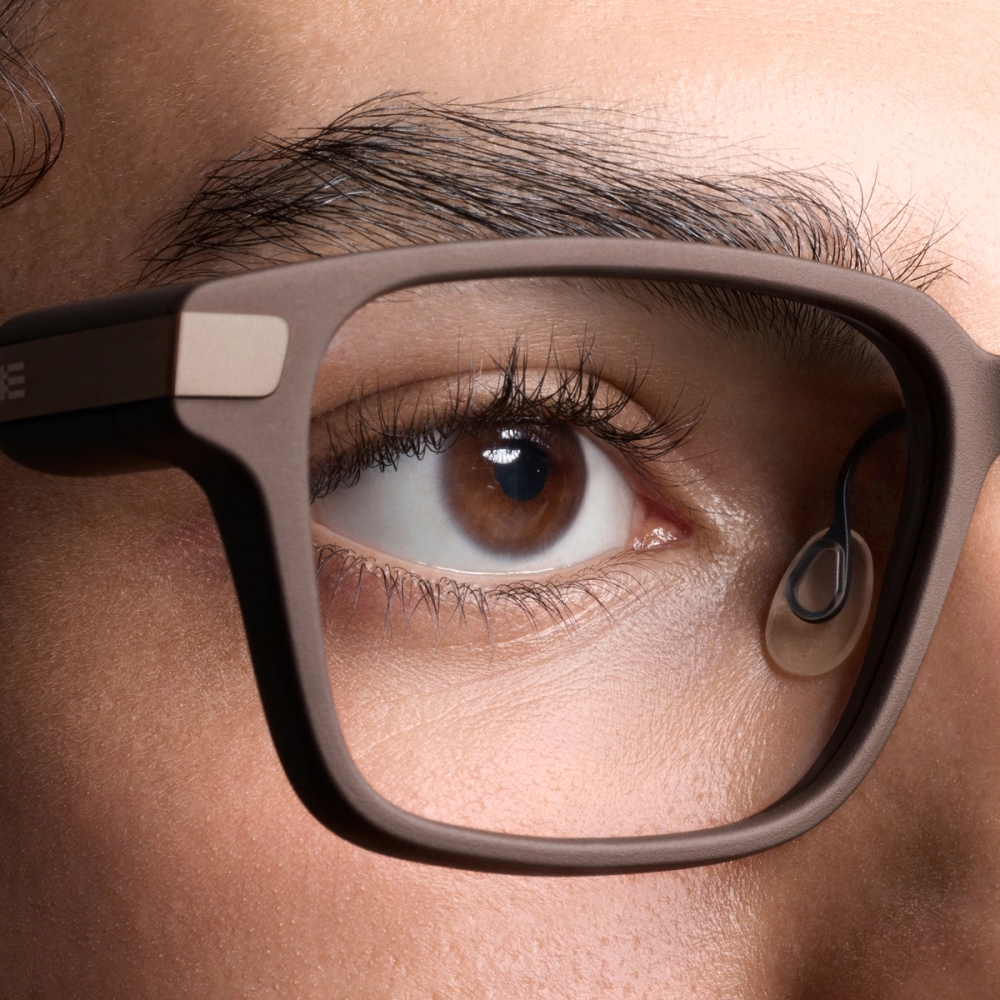
No camera. No audio stored.
Camera-free and built to respect the room. Conversate only runs when activated. Audio is processed for transcripts, summaries, or translations, then deleted. No audio recording is retained.
Sell smarter. Win more deals.
Even G2 keeps account context and real-time guidance in view, helping you stay prepared, answer faster, and move every sales conversation forward.

FAQs.
If you have any further questions, please visit the Even Support Center.
SupportYou can add key meeting information through Prep Notes in Conversate before the conversation starts. In the Even Realities App, you can create a note manually or upload a file such as TXT, DOCX, or PDF. Before starting a Conversate session, simply select the relevant Prep Note. Even G2 will turn it into useful meeting context, so your key talking points, client needs, product details, and previous concerns can stay close during the conversation.
Real-time sales guidance comes from AI Cues in Conversate, powered by Even Contextual AI. It uses the context you add through Prep Notes and follows the live conversation to surface helpful prompts when questions, concerns, unfamiliar terms, or unexpected moments come up. These cues can help explain key concepts, suggest possible responses, surface useful background information, and keep the conversation moving with more confidence.
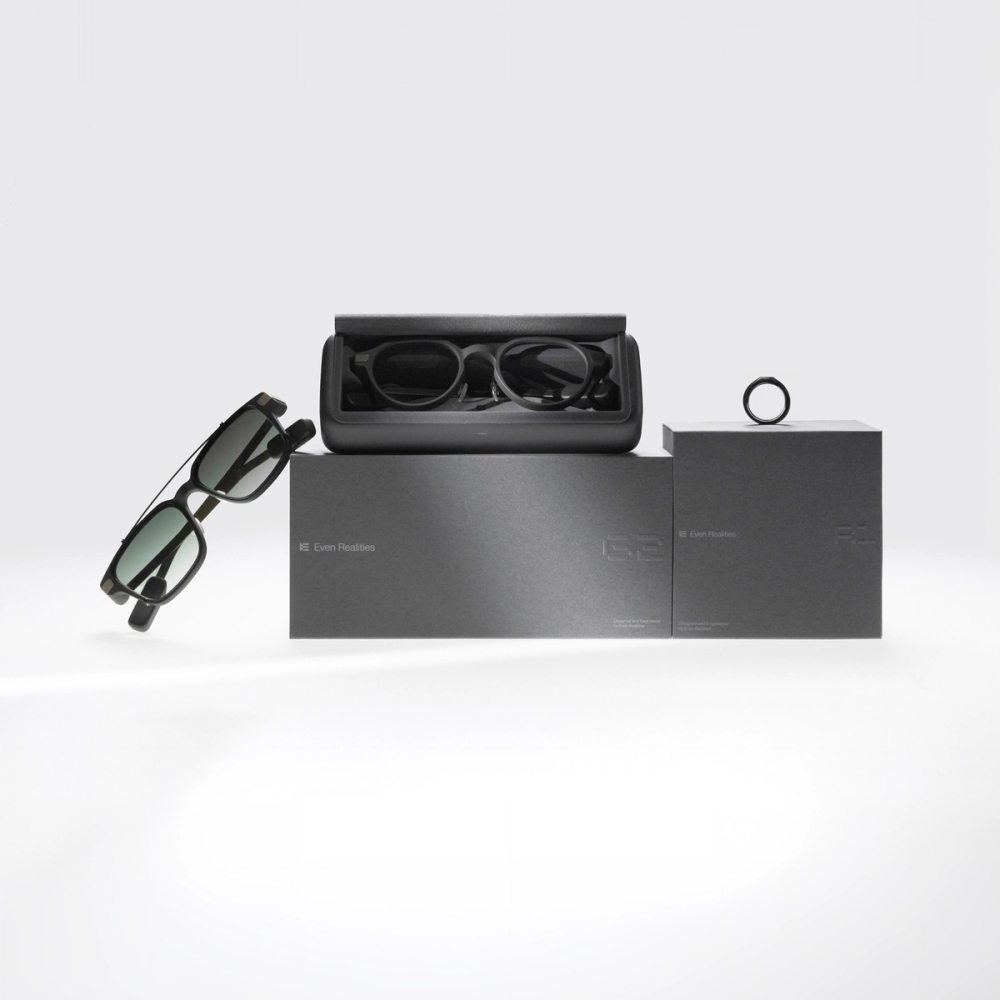
Before the session, you can select Prep Notes and configure your Conversate settings in the Even Realities App. During the conversation, Conversate runs automatically based on your setup. You can control it with the Even R1 ring for a more discreet experience, or use the touchpad on the glasses temple for basic navigation and session controls.
No. Even G2 does not store audio recordings of your client conversations. When using Conversate, audio is processed in real time to generate live transcripts and summaries. The original audio is not recorded or stored. Only the text transcript and AI-generated summary are saved in the Even Realities App for your review.